one api for every AI provider
Route requests, manage provider integrations, and standardize responses through one developer-first gateway.
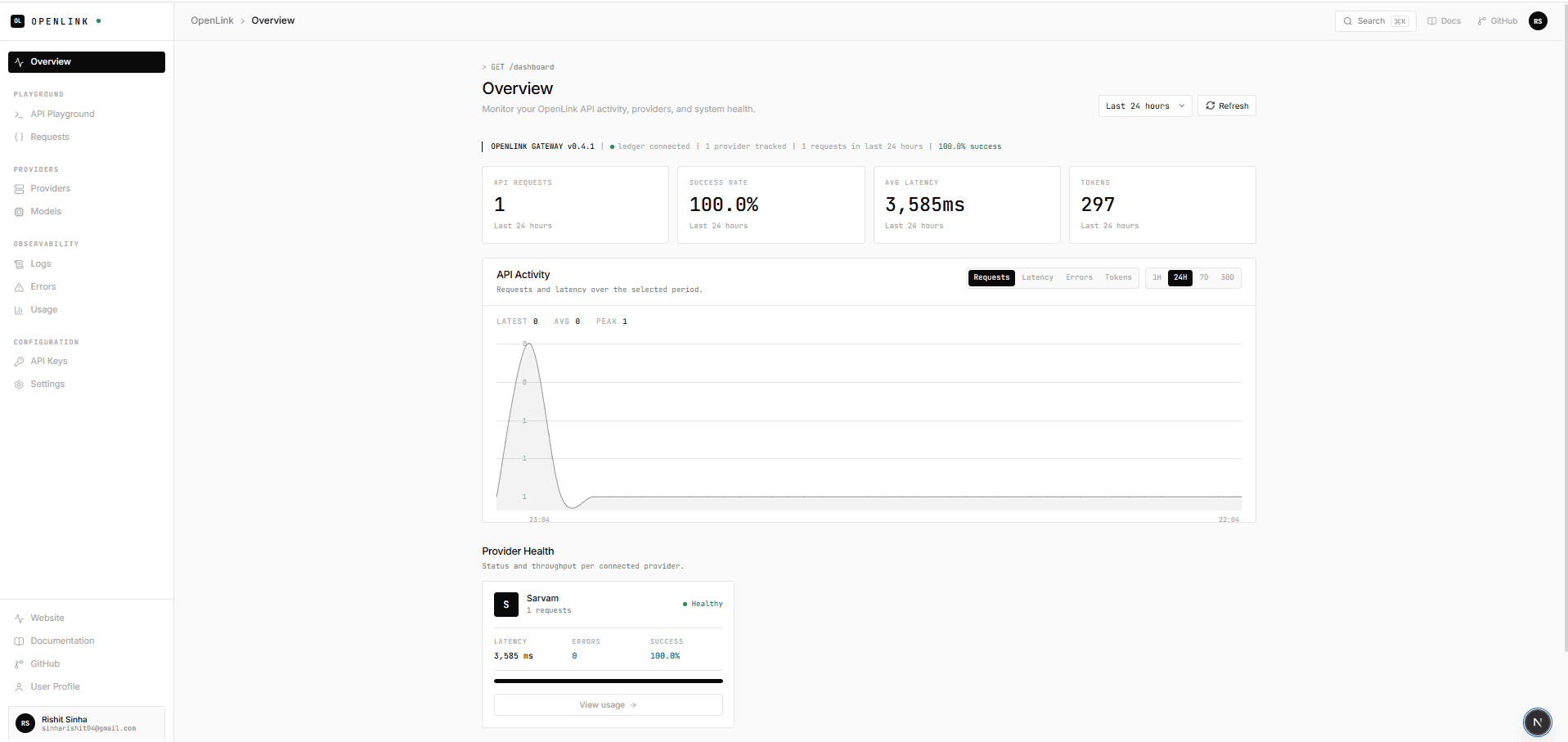
Less provider-specific glue in your application.
OpenLink centralizes the integration work that otherwise gets repeated every time an application adds a provider.
Direct integrations
- Provider-specific request and response shapes
- Authentication details repeated across integrations
- Validation and error handling reimplemented per provider
Through OpenLink
- One generate endpoint; choose Gemini or Sarvam per request
- OpenLink API key at the gateway; provider credentials stay server-side
- Validated input and a shared success and error response shape
A clear path through the gateway.
Follow a request from your application to the provider and back. Each step is explicit and inspectable.
- 01
Application
Your server sends a prompt and names a provider.
- 02
OpenLink gateway
Verifies the API key, enforces limits, validates the body.
- 03
Provider registry
Resolves the provider name to a registered adapter.
- 04
Provider
Calls the provider with a configured 30s timeout.
- 05
Response
Returns one normalized shape and records usage metadata.
One gateway. Multiple providers.
/v1/generategemini-3.6-flashsarvam-105bGood to know before you integrate.
Straight answers about supported providers, request handling, and running OpenLink.
01What is OpenLink?
OpenLink is a TypeScript API gateway for AI providers. It exposes one HTTP endpoint, validates requests, resolves a provider adapter, applies limits, and returns a normalized response.
02Which AI providers are supported?
The repository currently includes adapters for Google Gemini and Sarvam. OpenAI, Anthropic, and other providers are not integrated and are not presented as supported.
03How does OpenLink authentication work?
Send an OpenLink API key with Authorization: Bearer <key> or the x-api-key header. Create and manage keys in the authenticated dashboard, and keep them on your server rather than in browser code.
04How are responses and errors normalized?
Successful requests return provider, model, and content. Errors return an HTTP status and a JSON envelope with error.code and error.message. Request records also capture status, provider, and latency.
05What is not supported yet?
Provider selection is explicit: automatic routing, fallback between providers, streaming, and providers beyond Gemini and Sarvam are not implemented. Per-key rate limits and daily quotas are available; billing is not.